Starlink Mini in 2026 — The Complete Buyer's Guide
Why portable internet is having its moment, who the Mini is actually for, and the seven accessories that matter most.
 Trending
Two years after launch, the Starlink Mini has become the most-requested Starlink product on the planet — outselling the Gen3 Standard dish in over a dozen markets in 2025. The reason isn't technical. The Mini is roughly half the speed of Gen3 on a clear day. It's social: the Mini is small enough to fit in a backpack, it boots from a 12 V cigarette socket without a separate router, and it's the first Starlink product you can hand to a non-technical user and have them online in 60 seconds.
That makes the Mini a very different buying decision from any prior Starlink. You're not just buying a dish — you're buying a portable internet platform, and the accessories you pick determine whether it lives in your truck, on your boat, on your roof, or in your camera bag. This guide walks through every meaningful Mini accessory we sell, what each one is actually for, and which combinations make sense for the four most common use cases.
Who's actually buying the Mini in 2026
Three customer profiles dominate Mini sales: full-time RV / vanlife travelers who need internet that follows the rig, sailboat and small-craft owners who can't justify a fixed marine dish, and remote workers / digital nomads who use it as a backup the moment cellular gives up. There's a fourth audience that's smaller but growing fast: emergency-prep buyers who keep a Mini in a hard case alongside their generator.
What unites all four is the same thing: they don't want to drill into anything. The Mini's $599 price tag is reasonable. Putting a $200 hole in a $400,000 boat to mount it is not. Every accessory in this guide is no-drill or non-permanent.
The seven accessories that actually matter
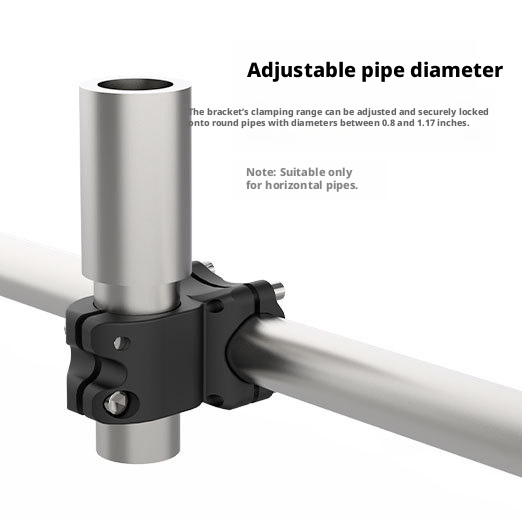
Skip the bundles. The Starlink Mini ecosystem has roughly thirty accessory categories on the market and, after fitting hundreds of installs, only seven of them earn their place: a vehicle mount, a 12 V power cable, a pipe / pole adapter, a roof bracket, a carry case, an Ethernet conversion cable (only if you want wired clients), and a USB-C charging cable for off-grid days.
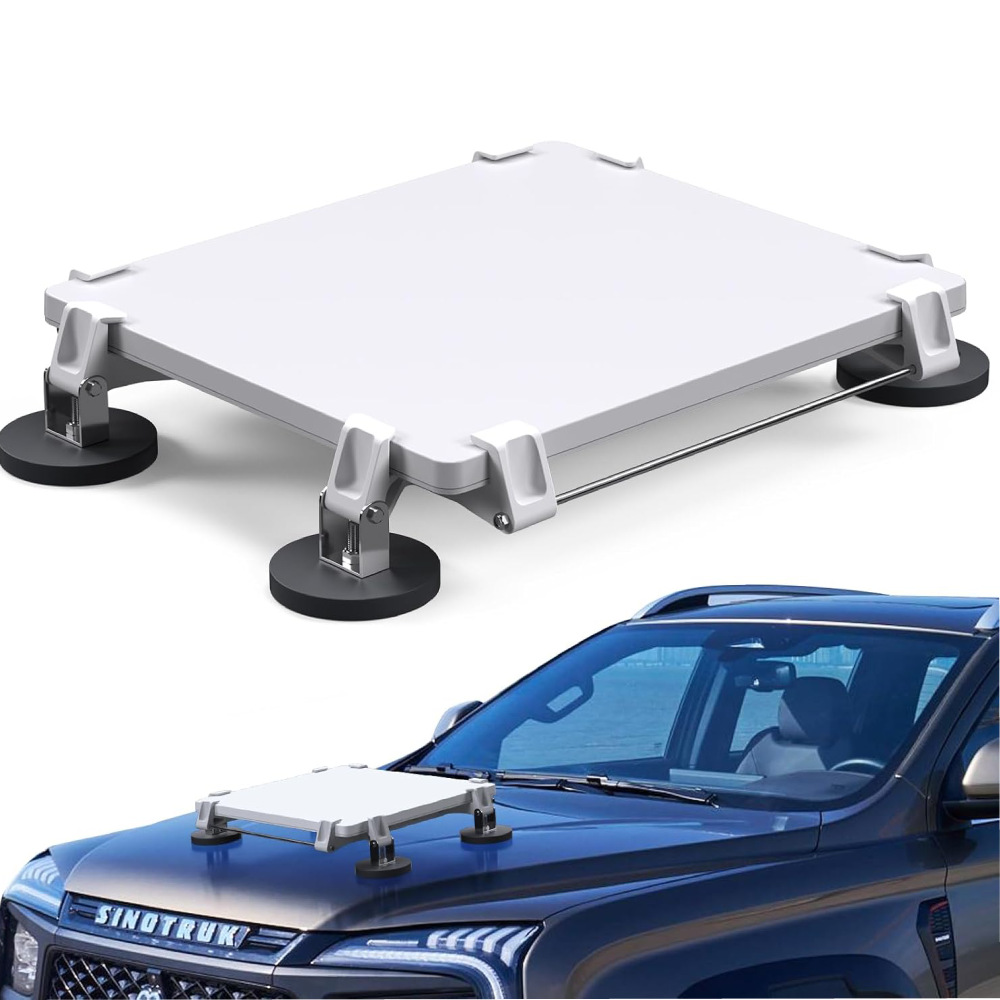
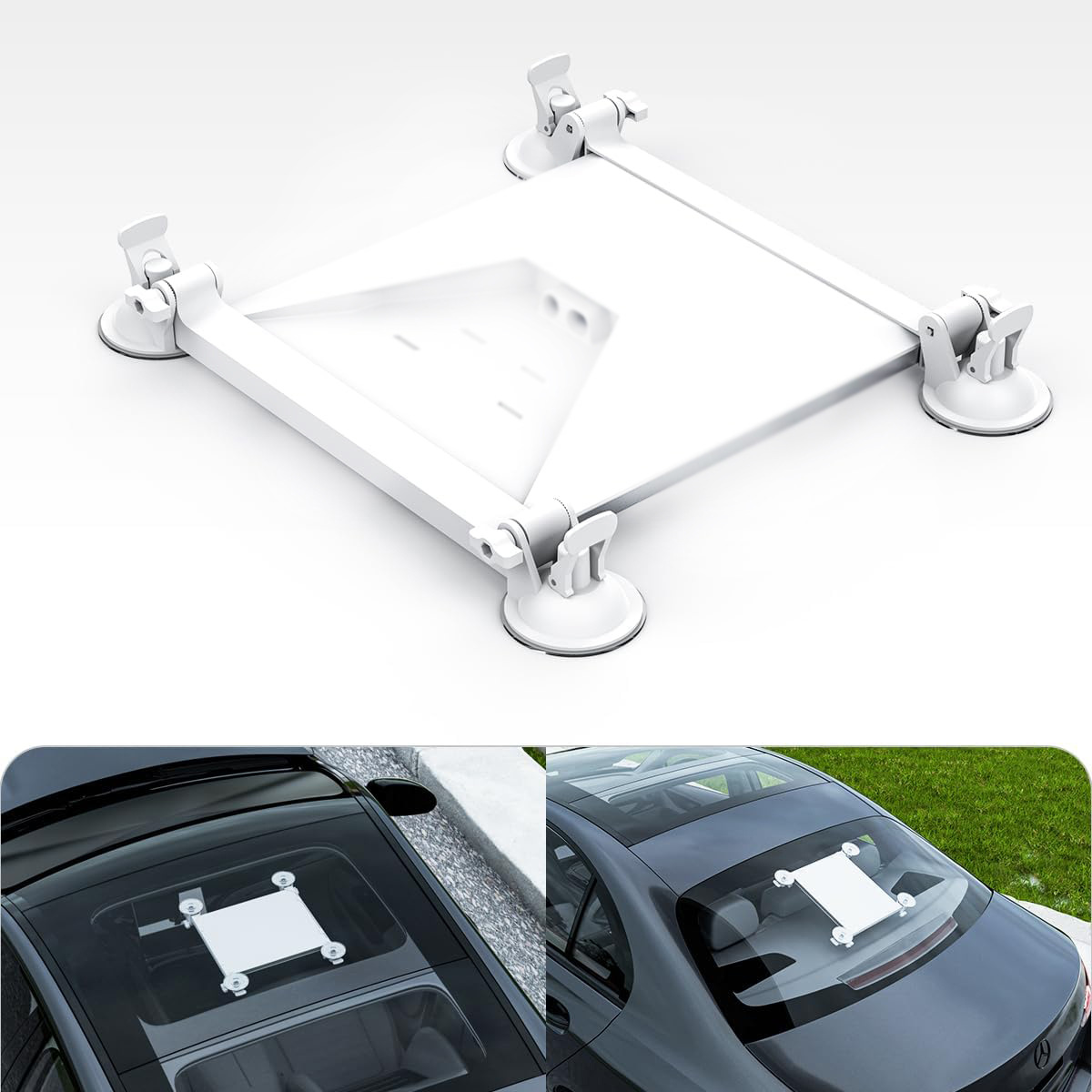
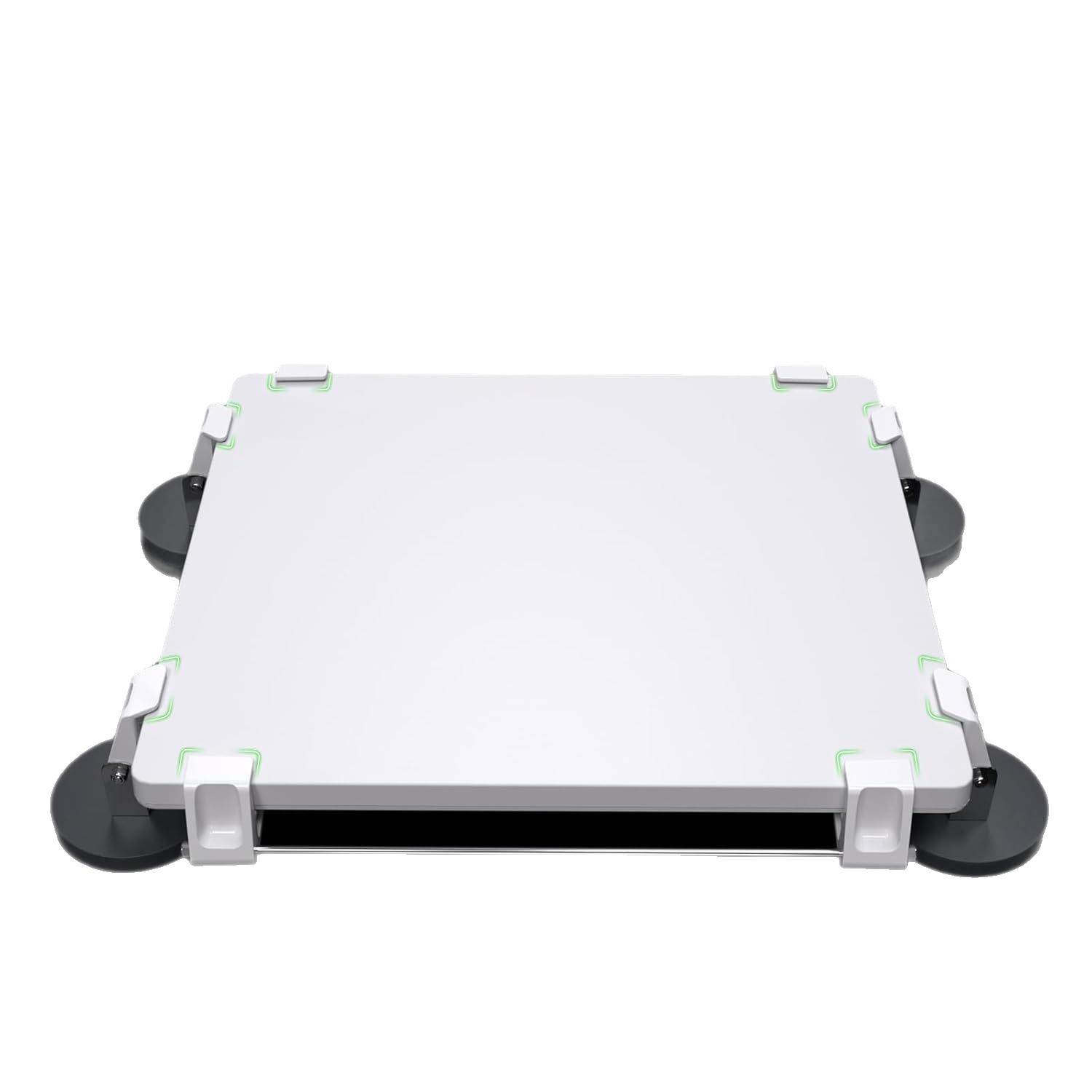
The mounts are the only category where your specific situation drives the choice. Steel roof? N52 magnetic. Glass sunroof or fiberglass marine cabin? Suction cup. Painted surface you don't want to scuff? Roof pipe-clamp on the rack rails. Each pulls 100+ lb of static hold; all three survive highway speeds in the testing we've published.
Power: the part everyone gets wrong
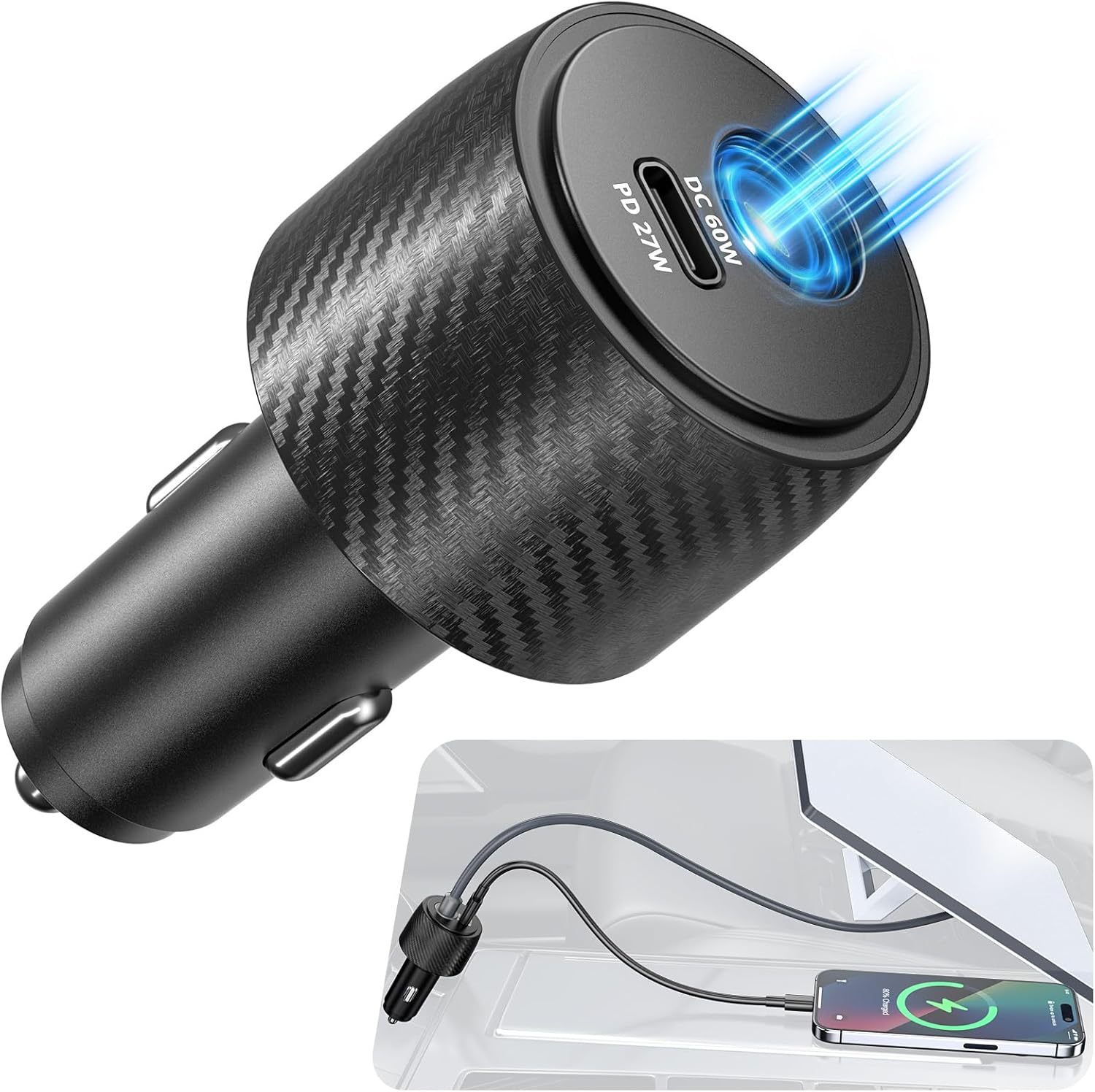
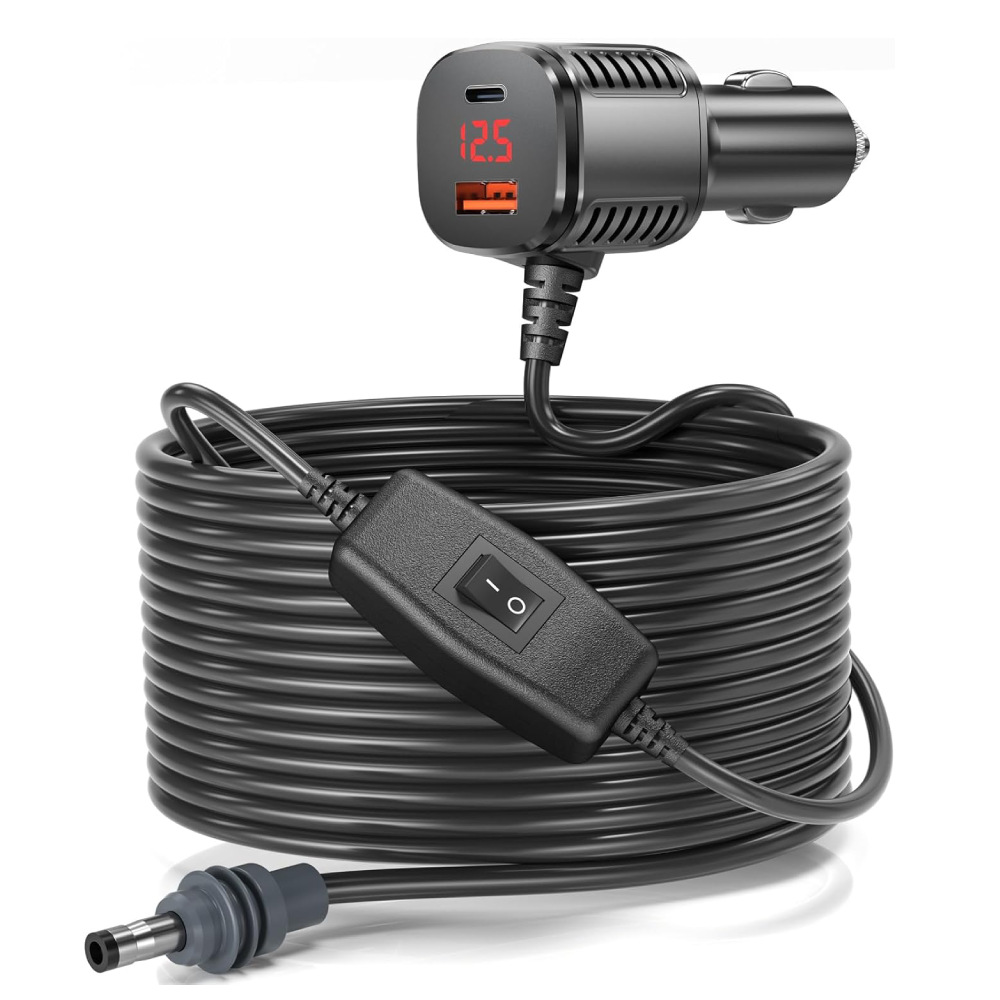
The Mini ships with a USB-C PD power brick rated 100 W and an indoor-grade DC barrel cable. That's fine on a desk and useless in a vehicle. In an RV or truck, you want a 12-30 V boost adapter that runs straight off the cigarette socket — this is the single most-bought Mini accessory in our catalog.
Two versions exist: a basic adapter with just power, and a 3-in-1 model that adds Ethernet and USB-C pass-through in one socket. If you ever plan to plug a laptop in or wire a router downstream, get the 3-in-1. The price difference is $5; the install difference is one less thing tangled under the dash.
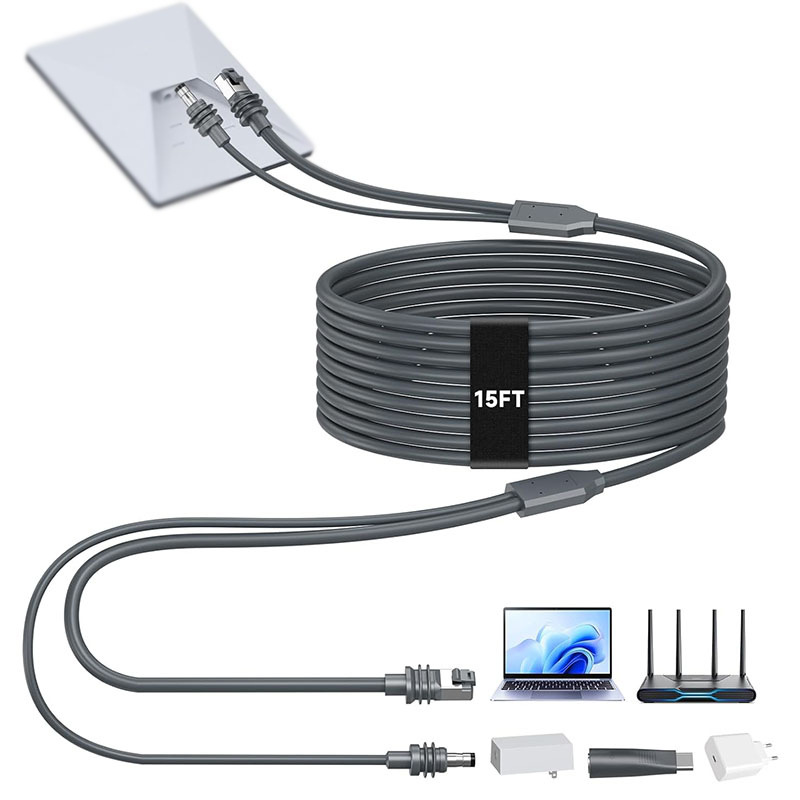
Cables, cases, and the things you'll forget
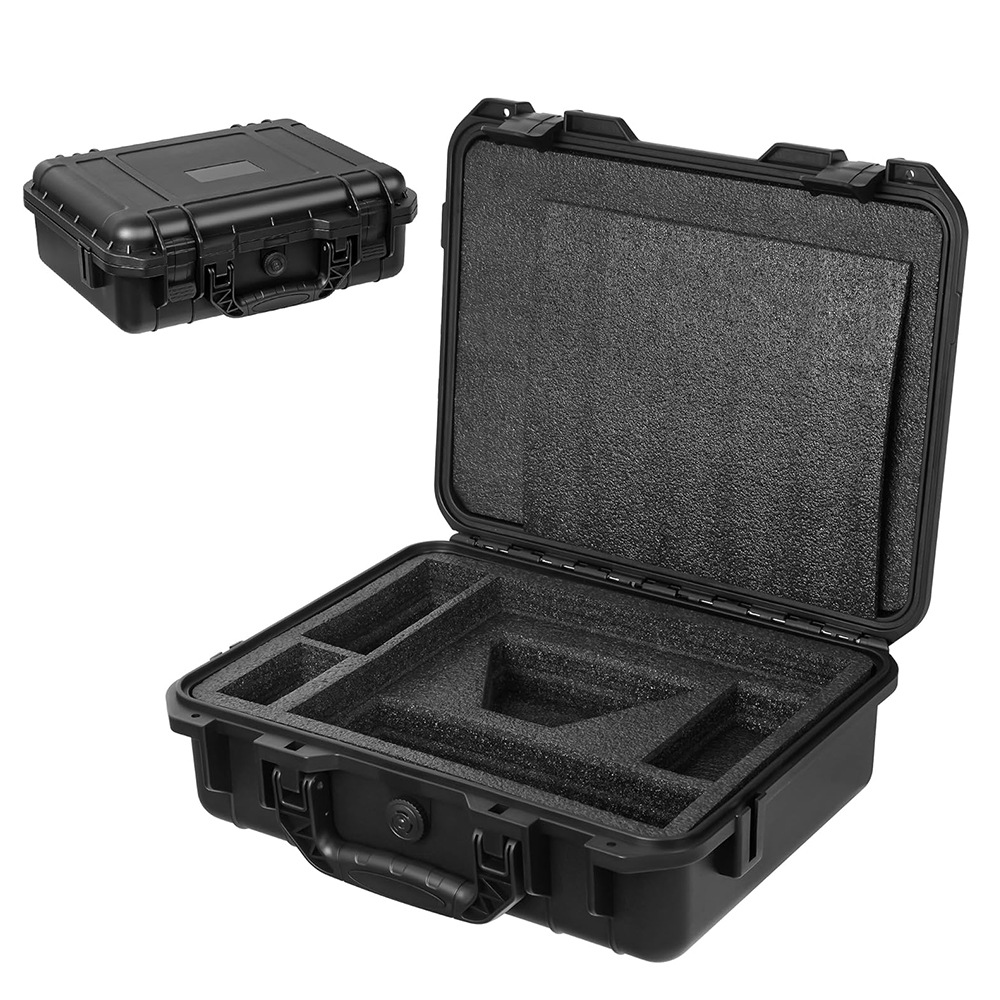
If the Mini moves around with you — and it will — get a hard case. The PP/EVA case we ship has die-cut foam for the dish, the power adapter, two cables, and a Mini-DIN ethernet adapter. It's IP54 splash-resistant, fits an overhead bin, and survives baggage handling. Every customer who ships back a damaged Mini did not have one.
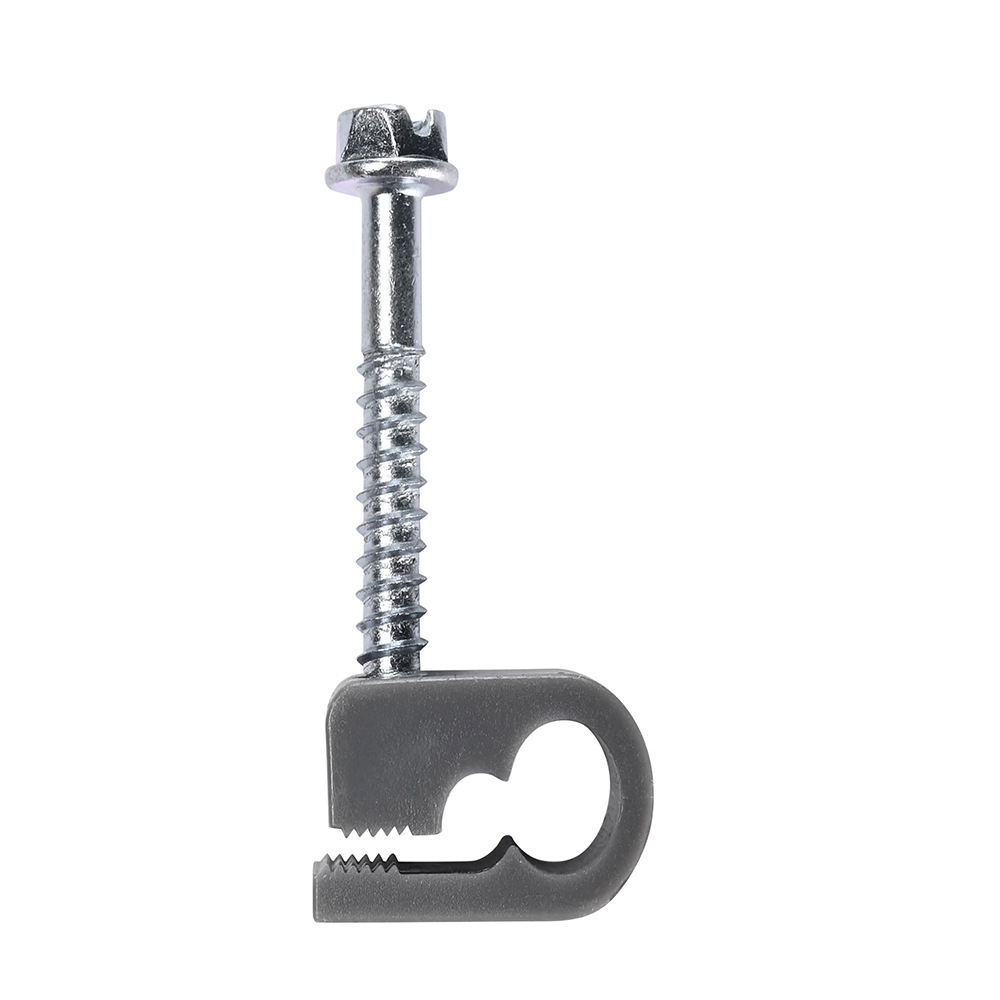
The other thing nobody buys until they need it: cable clips. Tucking the Starlink cable cleanly along an RV gutter or a boat handrail is the difference between a clean install and a tripping hazard. A nine-piece clip + screw kit costs less than a coffee.
Common questions
Will the Mini work as my only home internet? Yes, if you live somewhere with low congestion and you don't push 4K streaming on multiple TVs. Real-world Mini speeds run 50-150 Mbps down. For two-person households doing video calls + streaming, that's genuinely sufficient.
How much power does it draw? 25-40 W idle, 50-65 W under load. A 100 Ah lithium house battery runs a Mini for about 24 hours of moderate use without any solar input.
Can I leave it on the roof in rain? Yes — the dish itself is IP67. The cable connection is the weak point; route it under the antenna so water drips off rather than wicking down.
Products mentioned in this guide
Have a Starlink question this guide didn't answer?
Email [email protected] — replies within 24 hours. Or browse the full OrbitGrip catalog.
Comments & questions
Got a question about this install, a correction, or your own setup story? Drop it below — comments are auto-screened for spam and published immediately if they're clean. Genuine questions usually get a reply from us within a day.