RV & Vanlife Starlink in 2026 — The 30-Minute Install Path
Vanlife isn't slowing down. Here's the no-drill, no-coring, no-warranty-voiding Starlink install we recommend for every motorhome, fifth-wheel, and Class B in our customer base.
 Hot topic
The post-COVID vanlife / full-time RV boom hasn't reversed. The 2025 RVIA shipment data showed motorhome registrations up 14% year-over-year, with the largest growth in Class B vans — the exact rigs the Starlink Mini was built for. If you're outfitting an RV today, the Starlink Mini is the default choice; the Gen3 only wins if you're doing a fixed-roof install on a Class A.
What follows is the install path we ship to every RV customer who calls us. It assumes a Mini, no roof drilling, and a 30-45 minute total job time. Most customers complete it in their driveway.
Step 1 — Pick the right mount for your rig
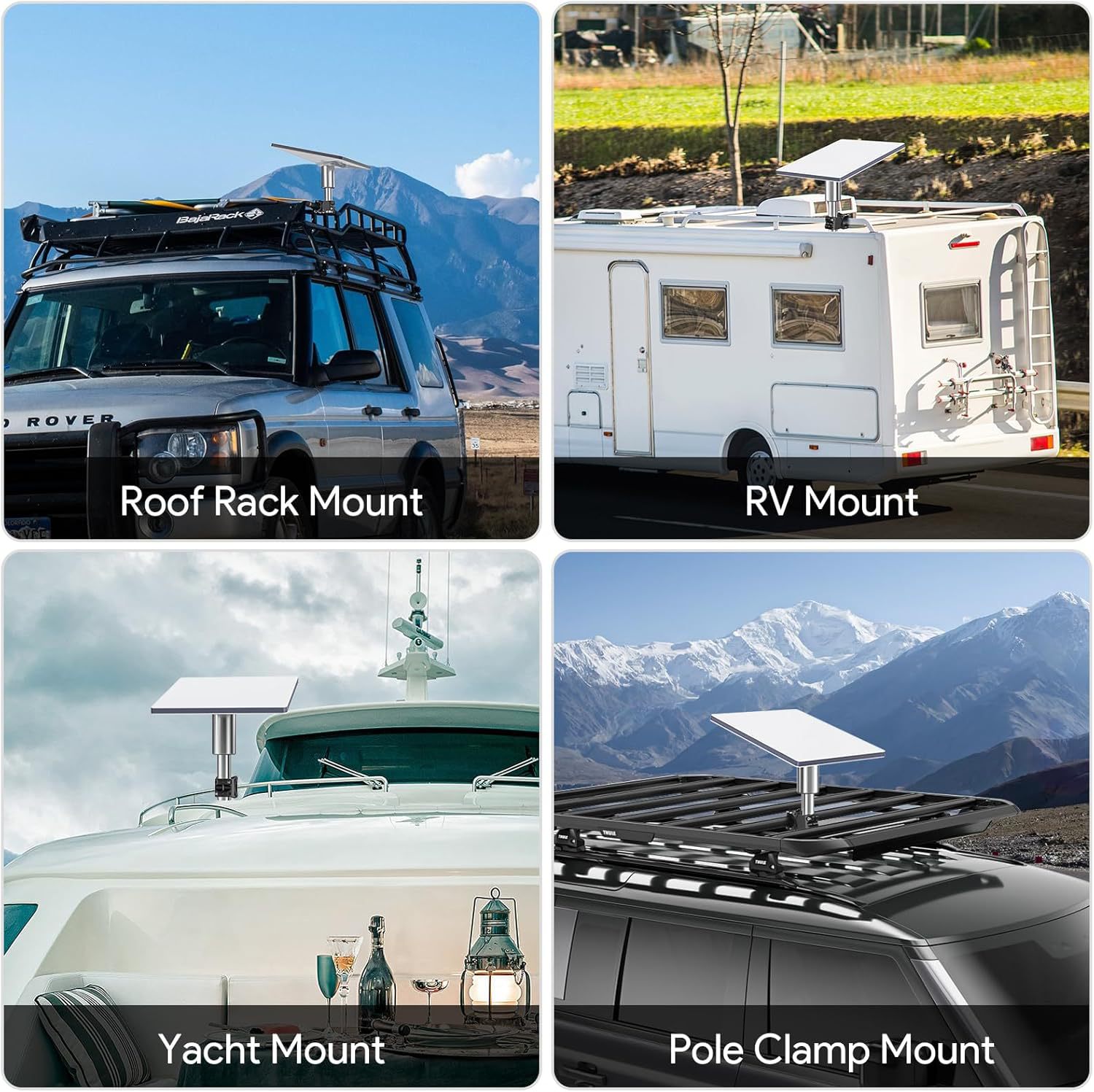
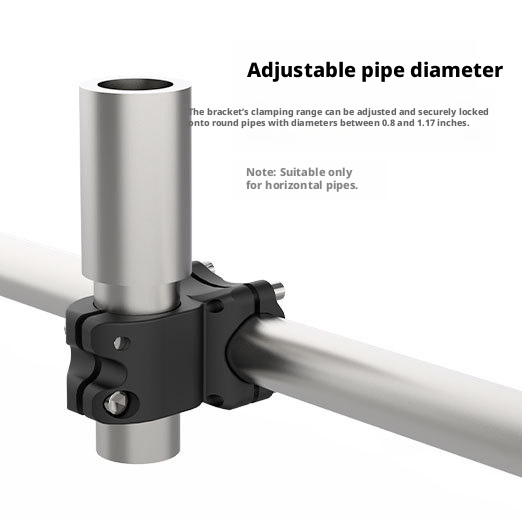
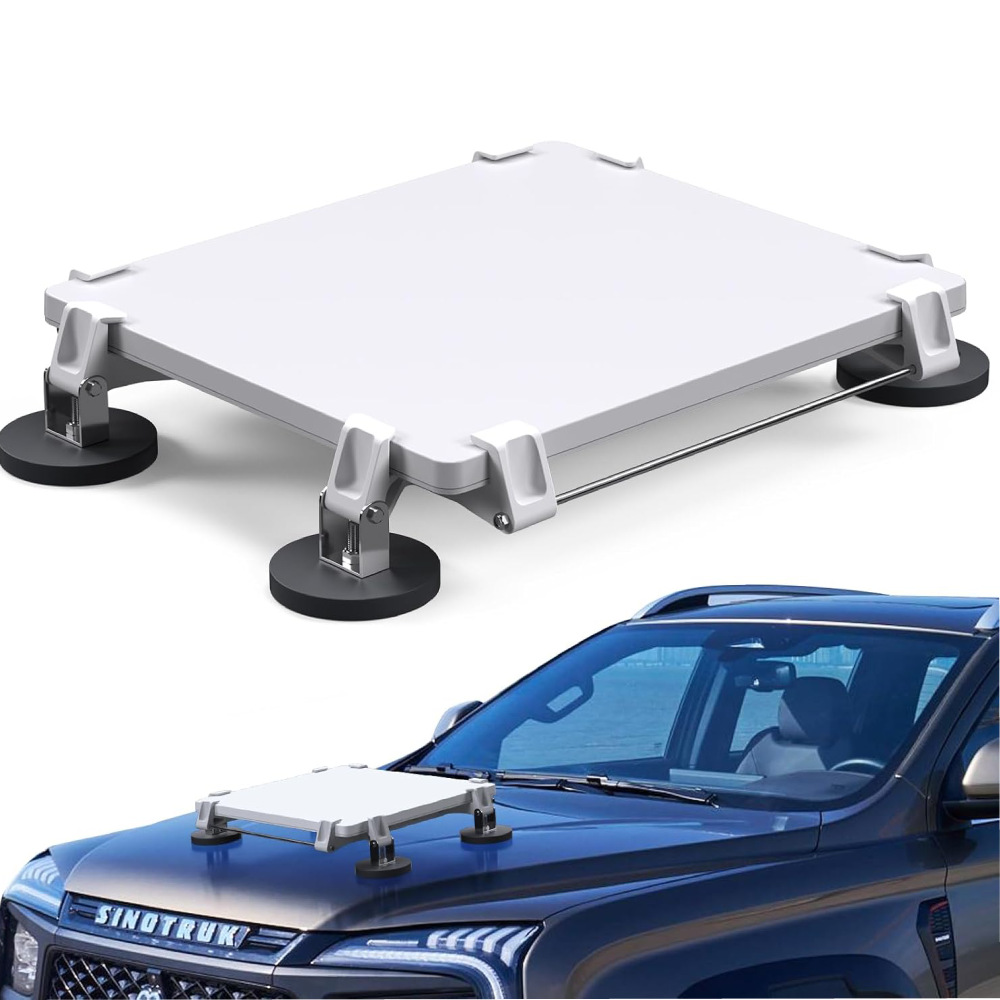
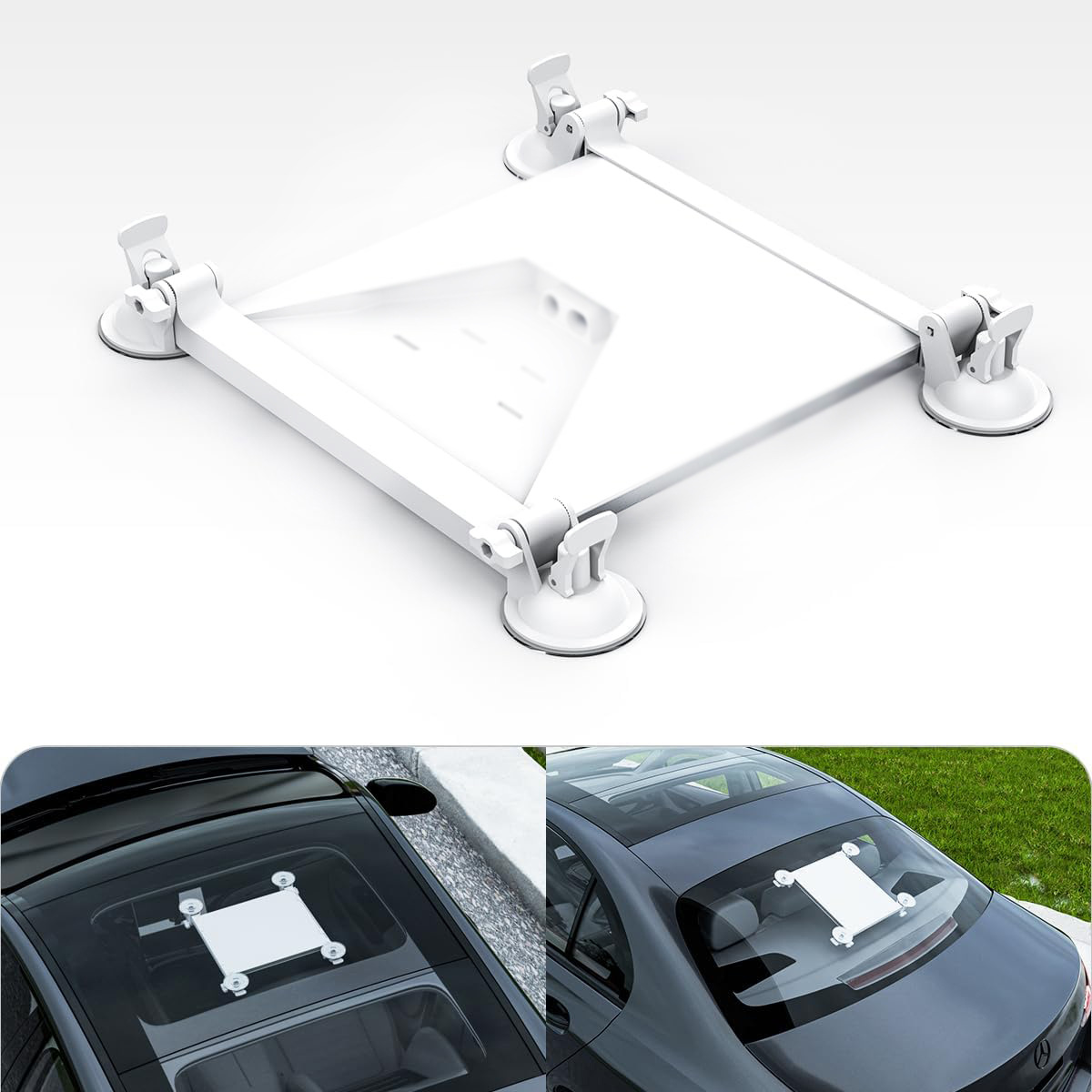
Three RV-friendly Mini mounts cover 95% of rigs: pipe-clamp (clamps to existing roof rack rails — best for Class A and toy haulers), magnetic (steel roof — common on truck campers), and suction cup (fiberglass roof — most Class B vans).
If your rig has roof rails, the pipe-clamp is always the answer. It's the most secure, won't shift in crosswind, and removes in seconds for travel. If you don't have rails, choose magnetic for steel and suction for fiberglass.
Step 2 — Wire to 12V house power
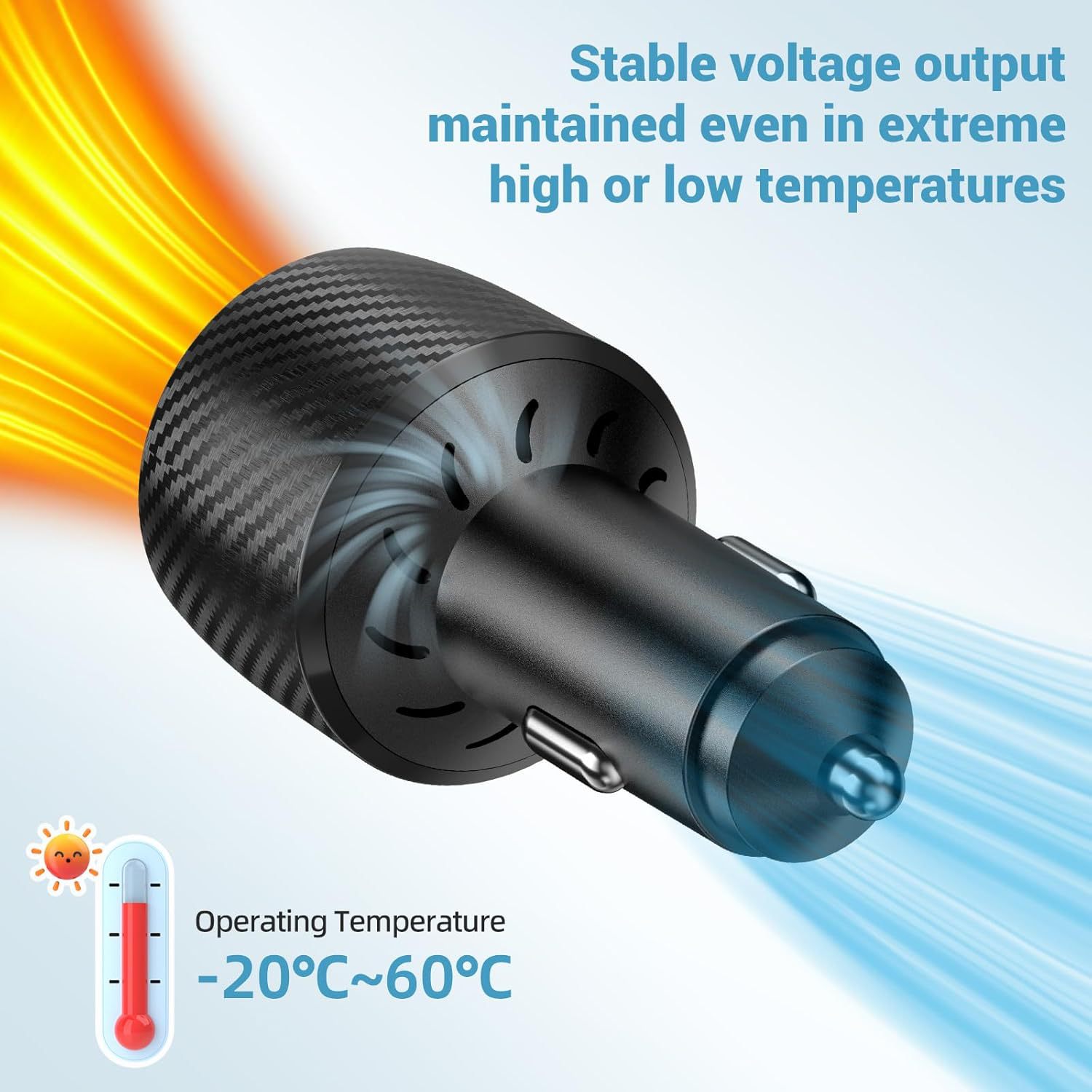
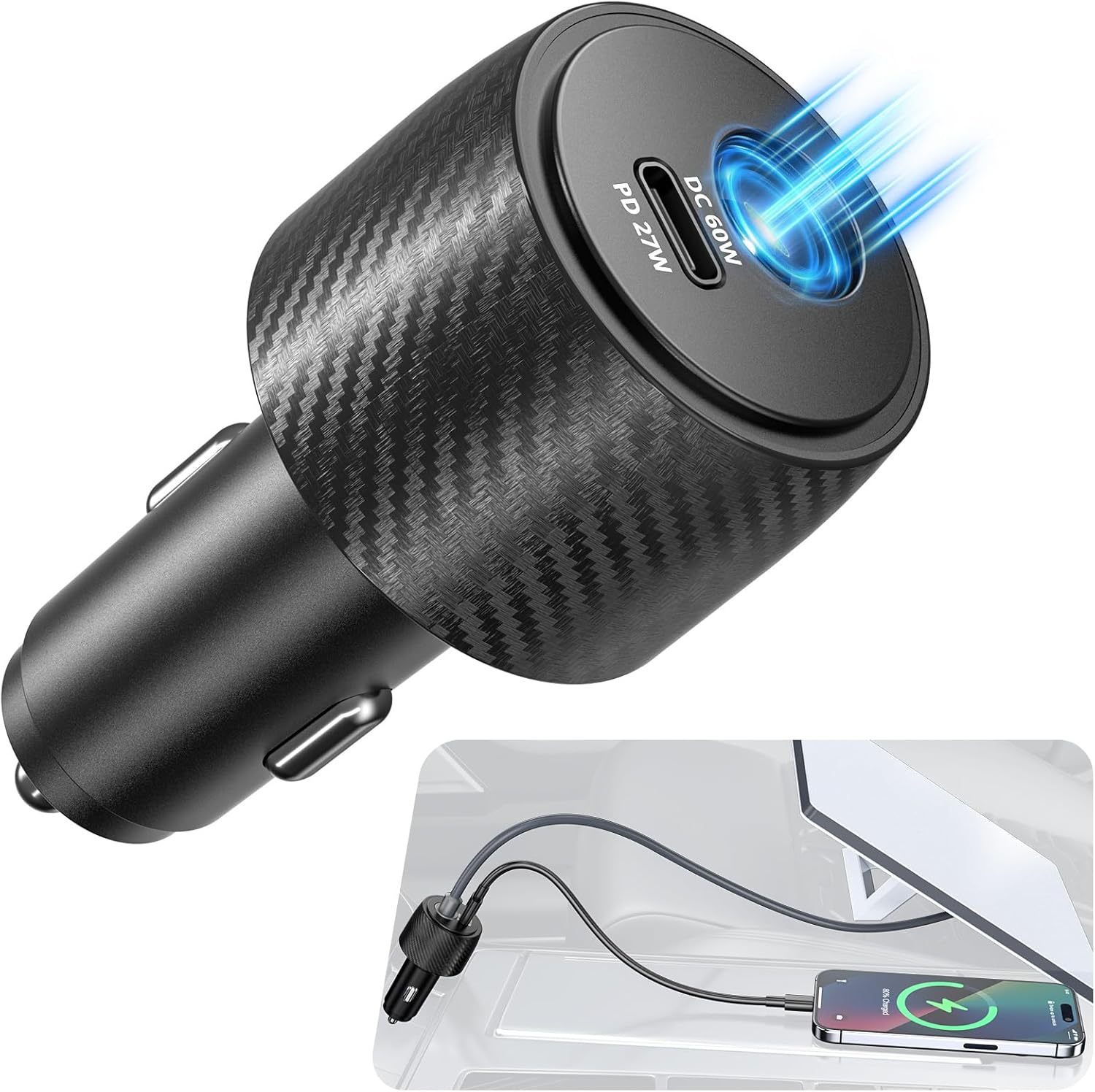
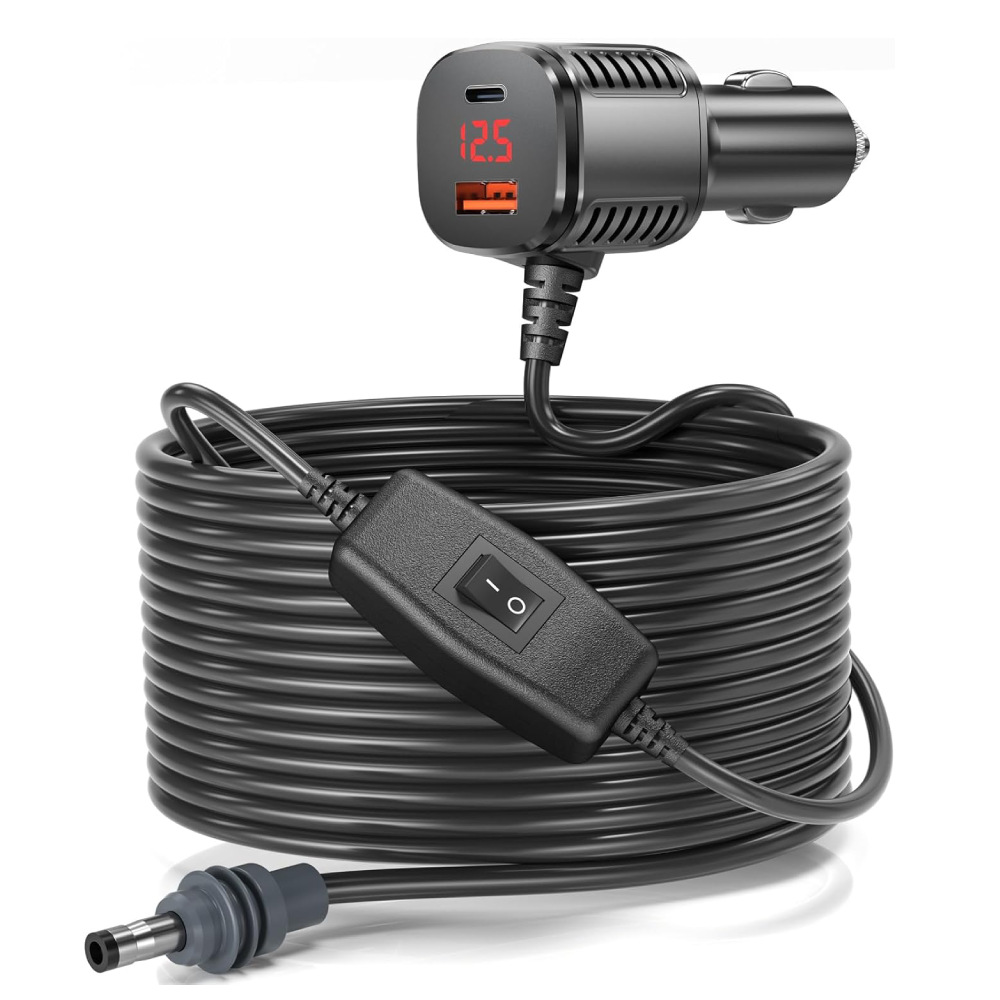
Don't run Mini off the cigarette socket on the dash — that's chassis battery, and an idle Mini will drain it in two days. Wire it to the house battery via a fused 15 A circuit and a 12-30 V boost adapter. Total run is two wires (positive + ground), 5 minutes of work, and you can run it indefinitely off any RV solar setup with 200 W+ panels.
The 3-in-1 boost adapter we stock combines power, Ethernet, and USB-C in one inline module — that's our standard recommendation for any RV install.
Step 3 — Route the cable cleanly
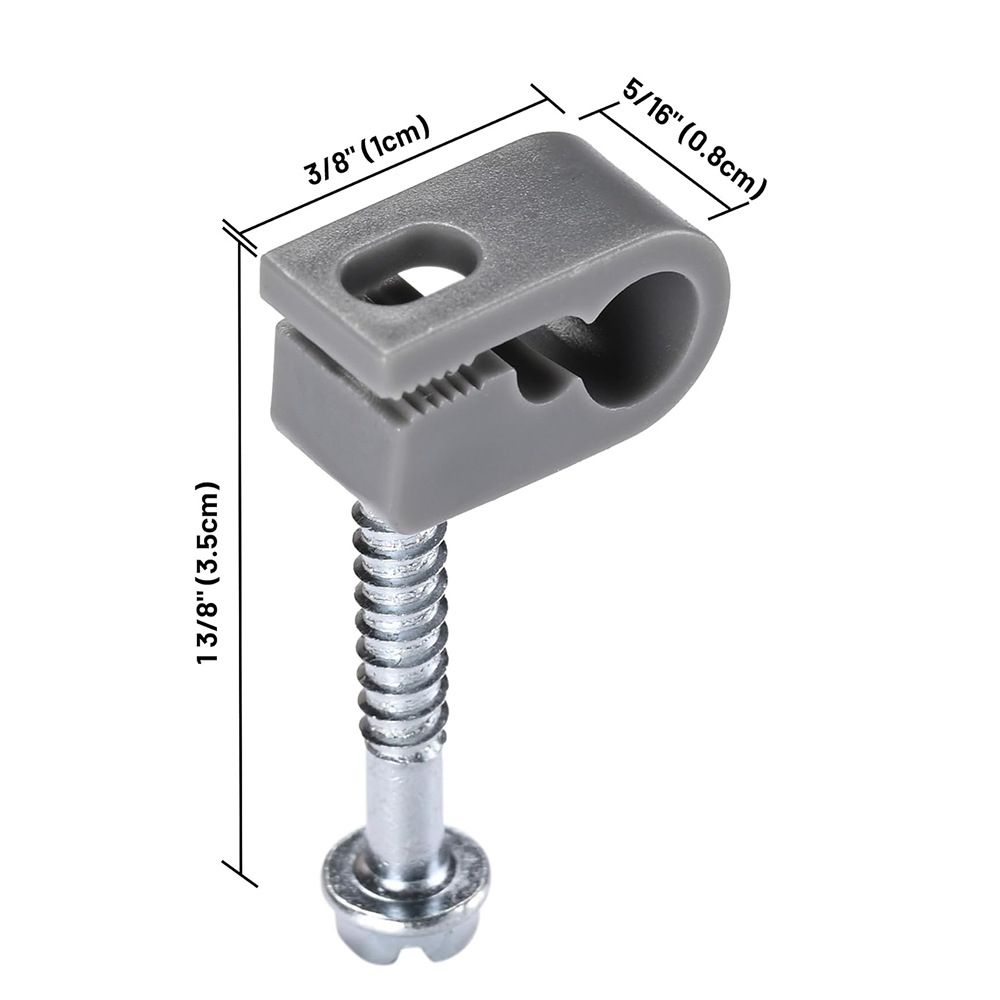
From mount to interior, the Mini's USB-C cable wants to be tucked along the roof gutter, dropped through an existing cable gland (most rigs have at least one), and routed to the inverter / 12 V panel. If you don't have a gland, run it through a window seal — there's enough flex in the cable for a 90° turn at the rubber.
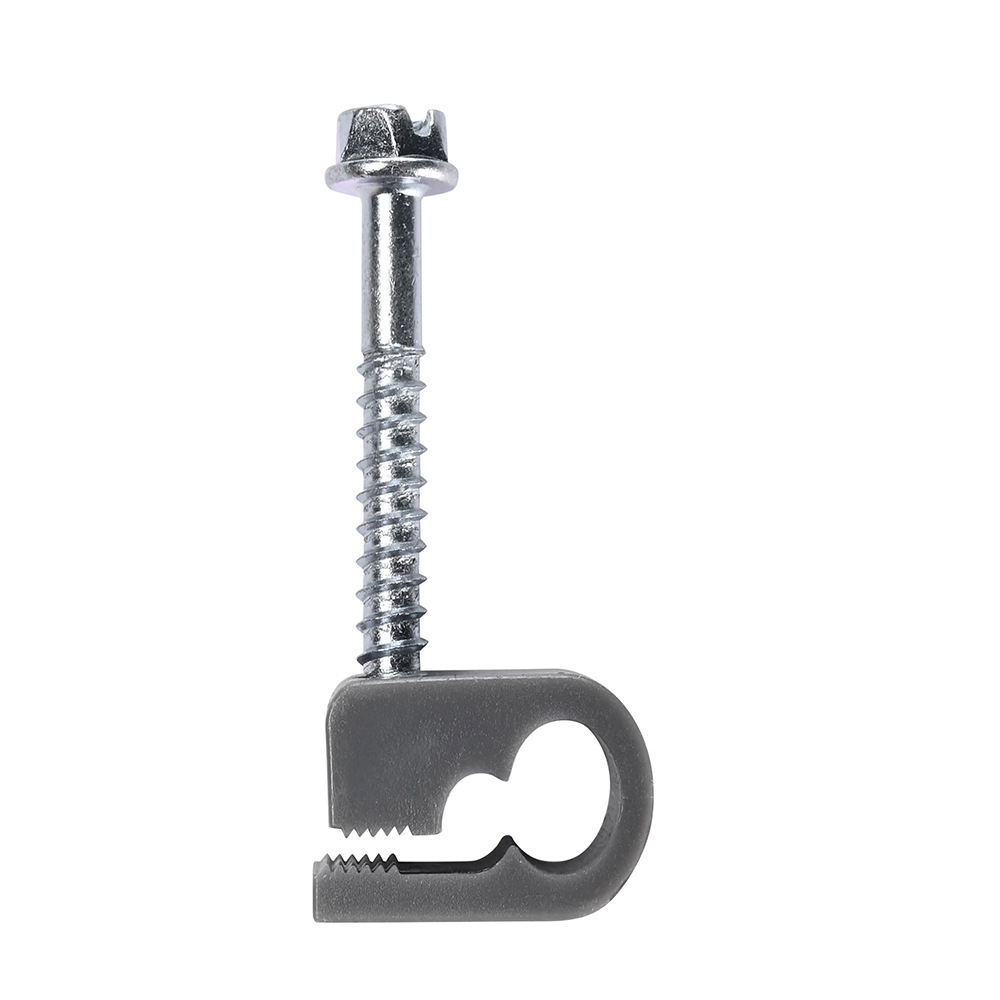
Our cable clip kit clips along the gutter every 12 inches and survives highway speeds. We've seen unclipped cables ripped off at 65 mph; don't be that customer.
Step 4 — Pack it up at every stop
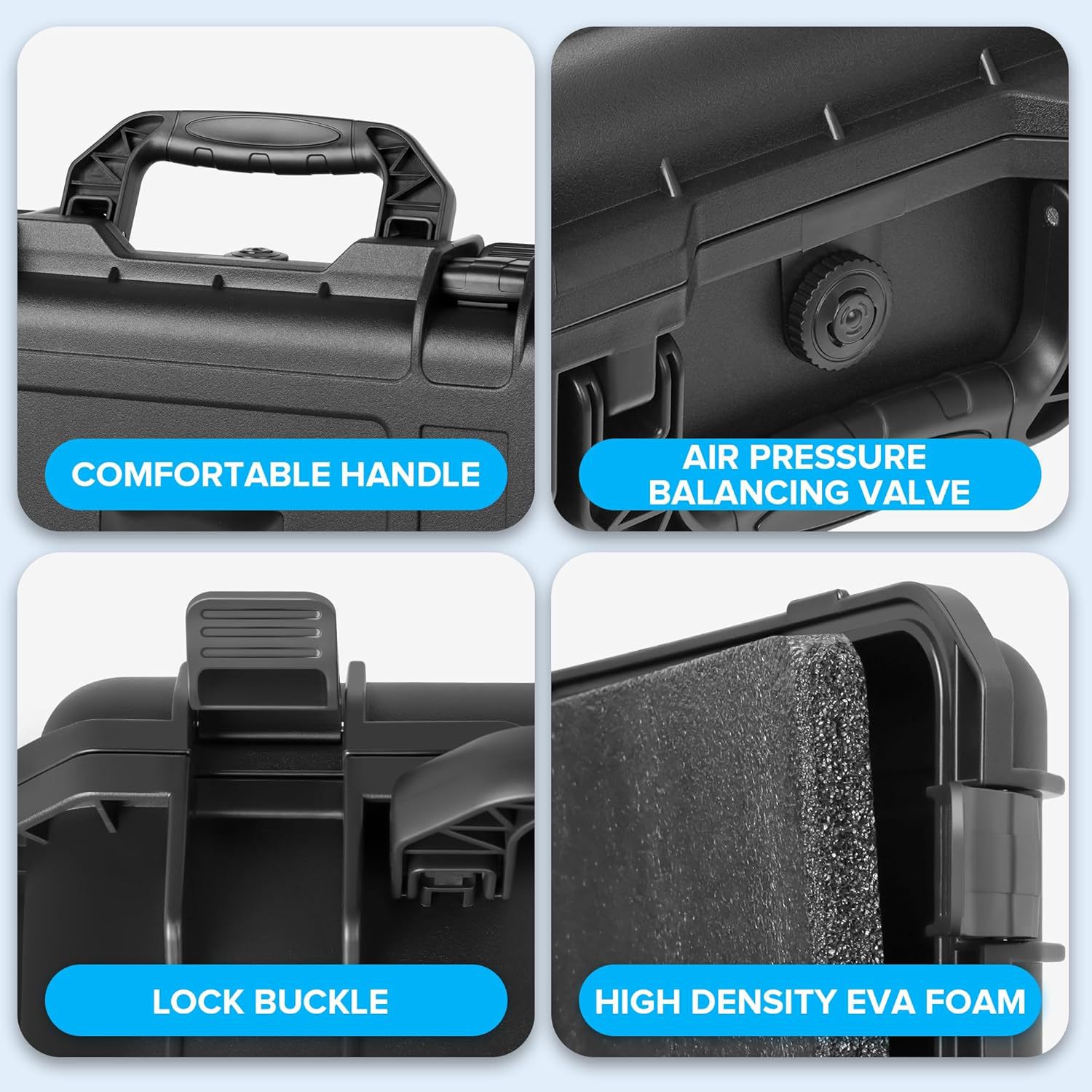
The Mini is small enough to pull off the mount and stow inside whenever you're not actively using it — and on a long highway day at 75 mph, that's the right move. Pulling the dish prevents wind fatigue on the mount, keeps the dish out of UV, and means it's protected if you suddenly need to navigate a tight backcountry trail.
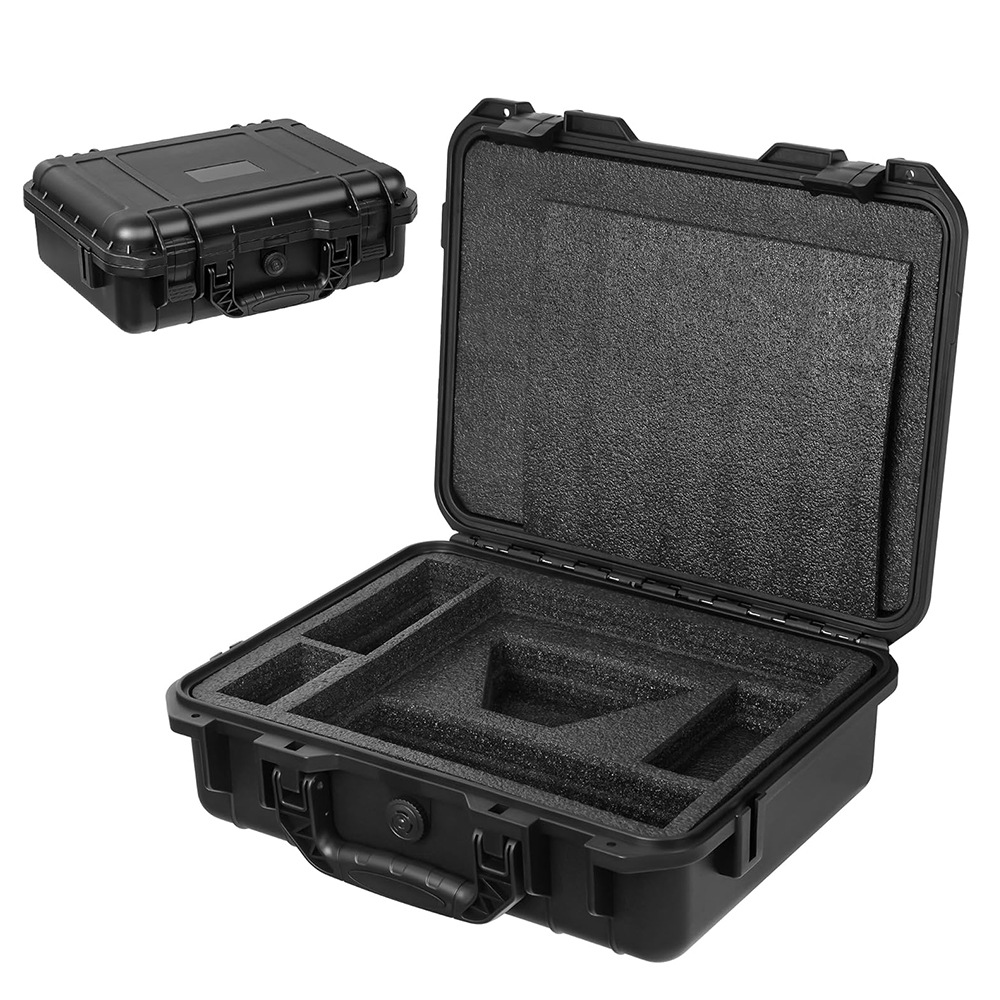
Our hard case is the Mini-shaped travel case with foam cuts for the dish + cables + adapter. Fits under a dinette seat or in a basement compartment.
Common RV install pitfalls
Mounting on the AC shroud: don't. The shroud is plastic, the mount will eventually crack it, and you'll have a leak when you drive in the rain.
Running the Mini off shore power only: defeats the point. Wire it to the house battery so it works boondocking too.
Forgetting a drip loop at the cable entry: water will track along the cable and into the rig. Always loop the cable below the entry point so drips fall off.
Products mentioned in this guide
Have a Starlink question this guide didn't answer?
Email [email protected] — replies within 24 hours. Or browse the full OrbitGrip catalog.
Comments & questions
Got a question about this install, a correction, or your own setup story? Drop it below — comments are auto-screened for spam and published immediately if they're clean. Genuine questions usually get a reply from us within a day.